

Overview
The Profile Management module allows companies to create, edit, and showcase their organizational profile to attract potential candidates.Core Profile Features
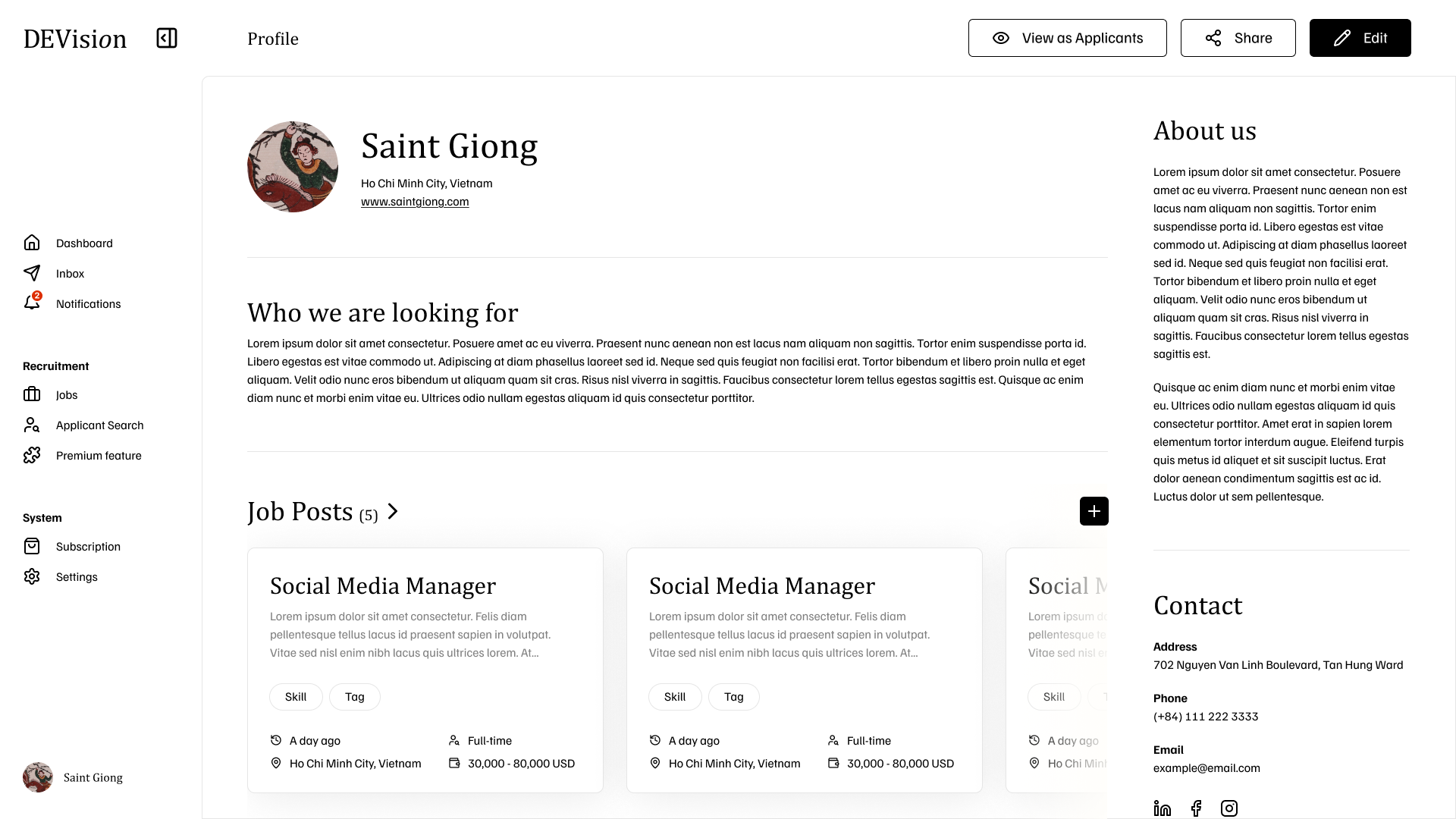
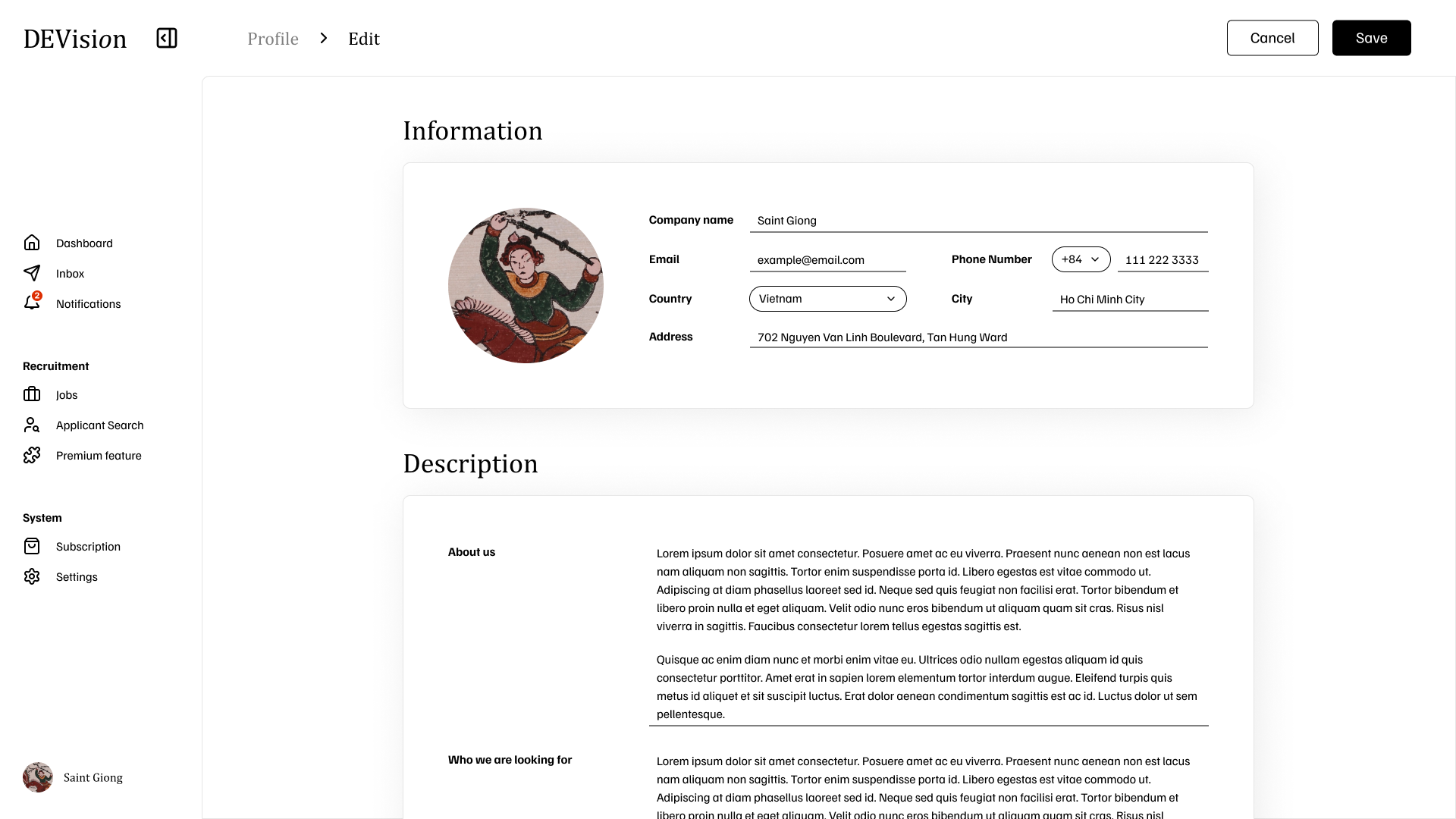
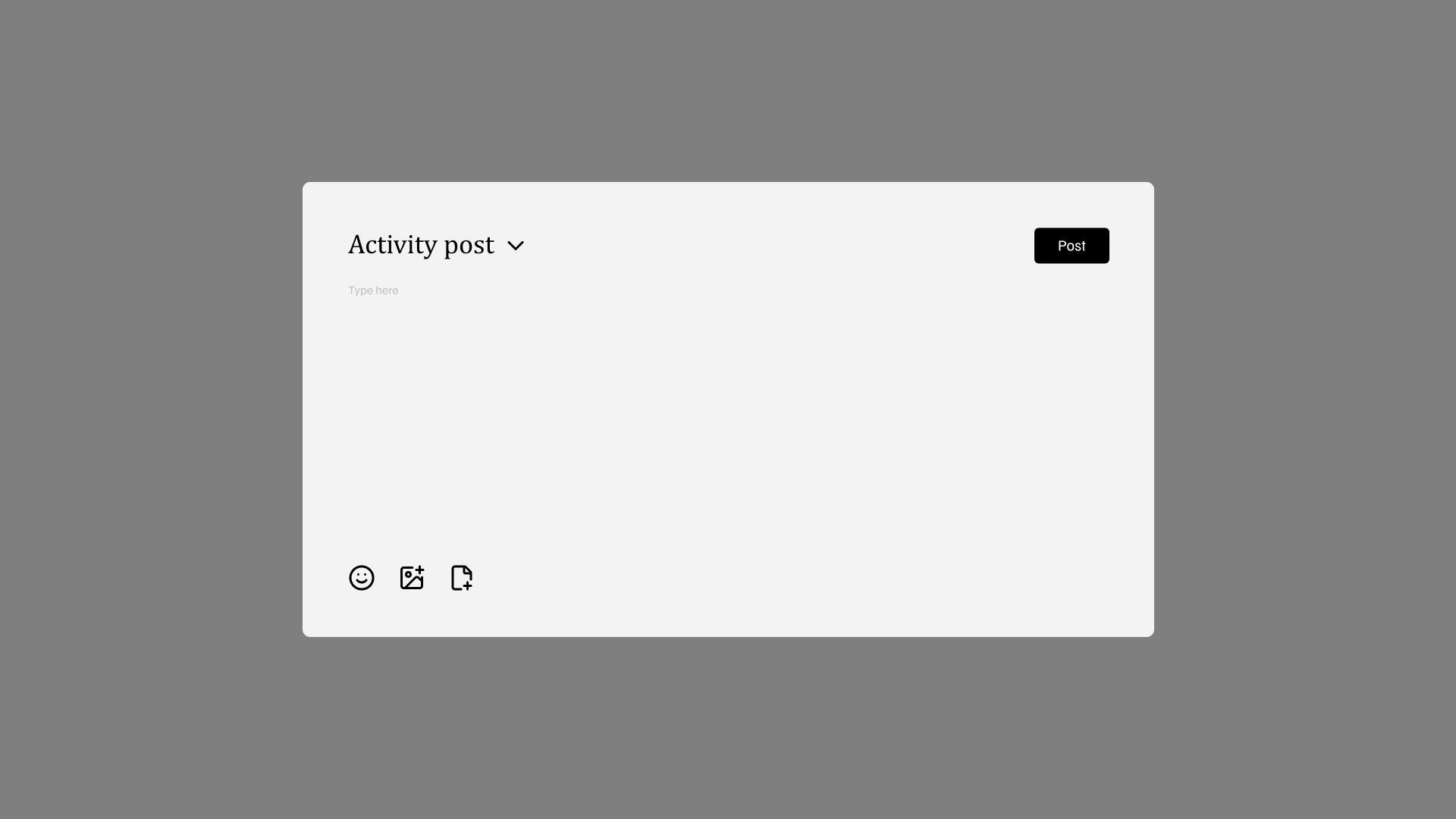
Profile Interface
- Profile View
- Edit Mode
- Activity Post
Simplex Level (3.1.1)
Basic Profile Editing
Companies can edit their core contact information:
- Company Name
- Password
- Phone Number
- Address
- City
- Country
Medium Level
Public Profile Configuration (3.2.1)
Public Profile Configuration (3.2.1)
Create and configure public-facing company profile:
- Company Name: Official organization name
- About Us: Company description and mission
- Who We’re Looking For: Desired employee personalities and culture fit
Logo Upload (3.2.2)
Logo Upload (3.2.2)
- Upload company logo picture
- Automatic image resizing to standard size
- Optimized for display performance
Ultimo Level (3.3.1)
Profile Modification with Data Migration- All changes persisted immediately to database shard
- If Country field changes: automatic data migration to new shard
- Entire user record moved to corresponding database shard
Additional Features
Media Showcase
Images and Videos
Upload multimedia content to showcase:
- Company events
- Office culture
- Team activities
- Company mottos and values